2次元図面に特化した
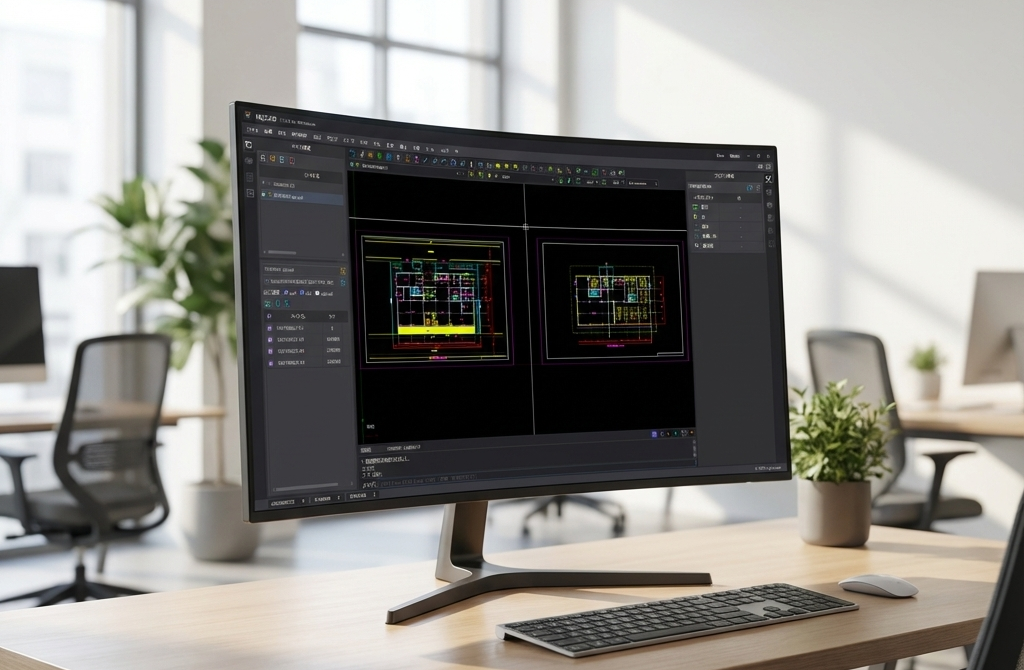
高性能CAD

Operations
NijiCAD features a traditional user interface that is intuitive for CAD beginners, allowing for an immediate start. It also supports traditional command-line operations, providing an efficient and flexible drafting environment for advanced users.

Features
Equipped with advanced drafting and editing functions, it is suitable for various industries like architecture and mechanical design. Diverse tools including dimensioning, hatching, and layer management help you achieve professional results.
Performance
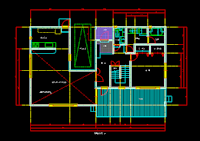
Boasting excellent performance with a smooth operating experience. Process large drawings without stress and maximize your productivity with optimized rendering and lightweight operation.
Export & Print
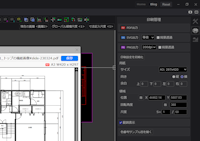
Easily export high-quality PDF drawings reflecting detailed specifications. It also supports SVG and PNG formats, making it versatile for various documentation needs.
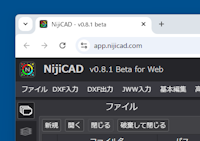
Platform
Benefit from both Desktop and Web applications. The Desktop app supports Windows and is planned for macOS. The Web app works on Chrome and Edge. Maintain project continuity across devices with consistent operation.
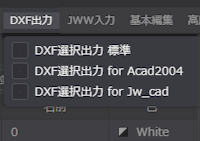
DXF Support
Supports the industry-standard DXF format, allowing for easy data import and export while maintaining compatibility with other CAD software. Maximize your existing CAD data assets.
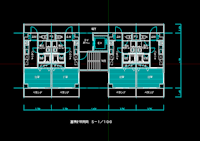
JWW Support
Directly import JWW files, maintaining compatibility with Jw_cad and allowing for the smooth integration of existing design data.