Introduction
In this tutorial, you can learn the basic operations of NijiCAD. If NijiCAD is already installed, please proceed from Step 1.
Installing NijiCAD
Access the Microsoft Store from the link below and click the "Get" button. Once the download is complete, click the "Open" button.

If a popup appears in your browser, click the "Open Microsoft Store" button.
Click the "Get" button.
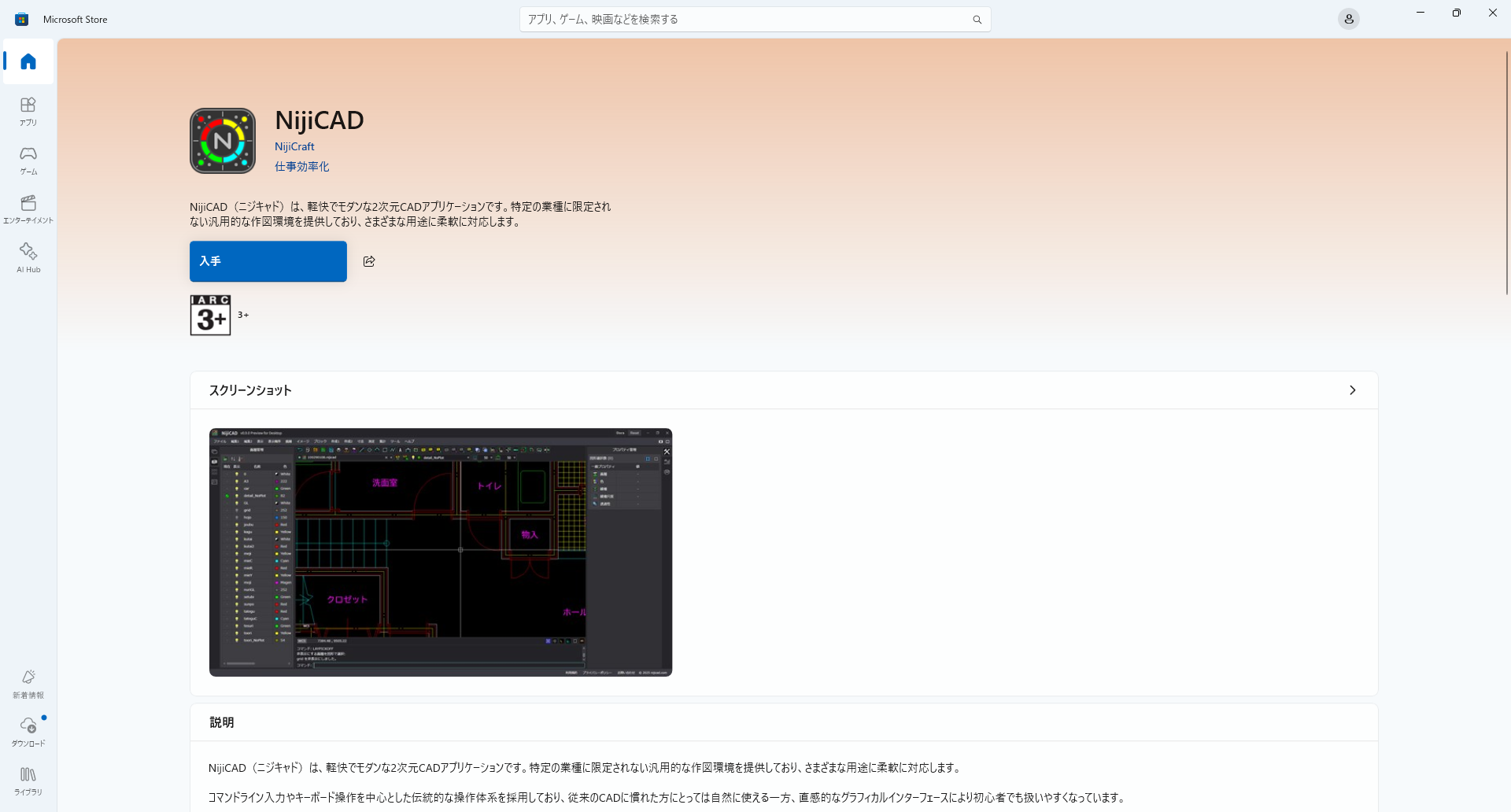
Once installation is complete, you can launch it from the "Open" button. An icon will be automatically registered on your desktop during installation.
Uninstalling
Search for "nijicad" in the Windows Start menu, right-click the icon, and select Uninstall.