Overview
1. 🧩 Features
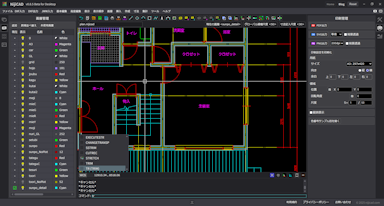
NijiCAD is a 2D CAD software that provides smooth, comfortable operations and an outstanding drafting experience. We pursue an environment where you can focus on "drawing," aiming to allow you to draw blueprints exactly as you imagine without being bothered by complex settings or procedures.
NijiCAD for Desktop
To use the desktop version, please install it from the link below.

NijiCAD for Web
Click the link below to use the Web version.
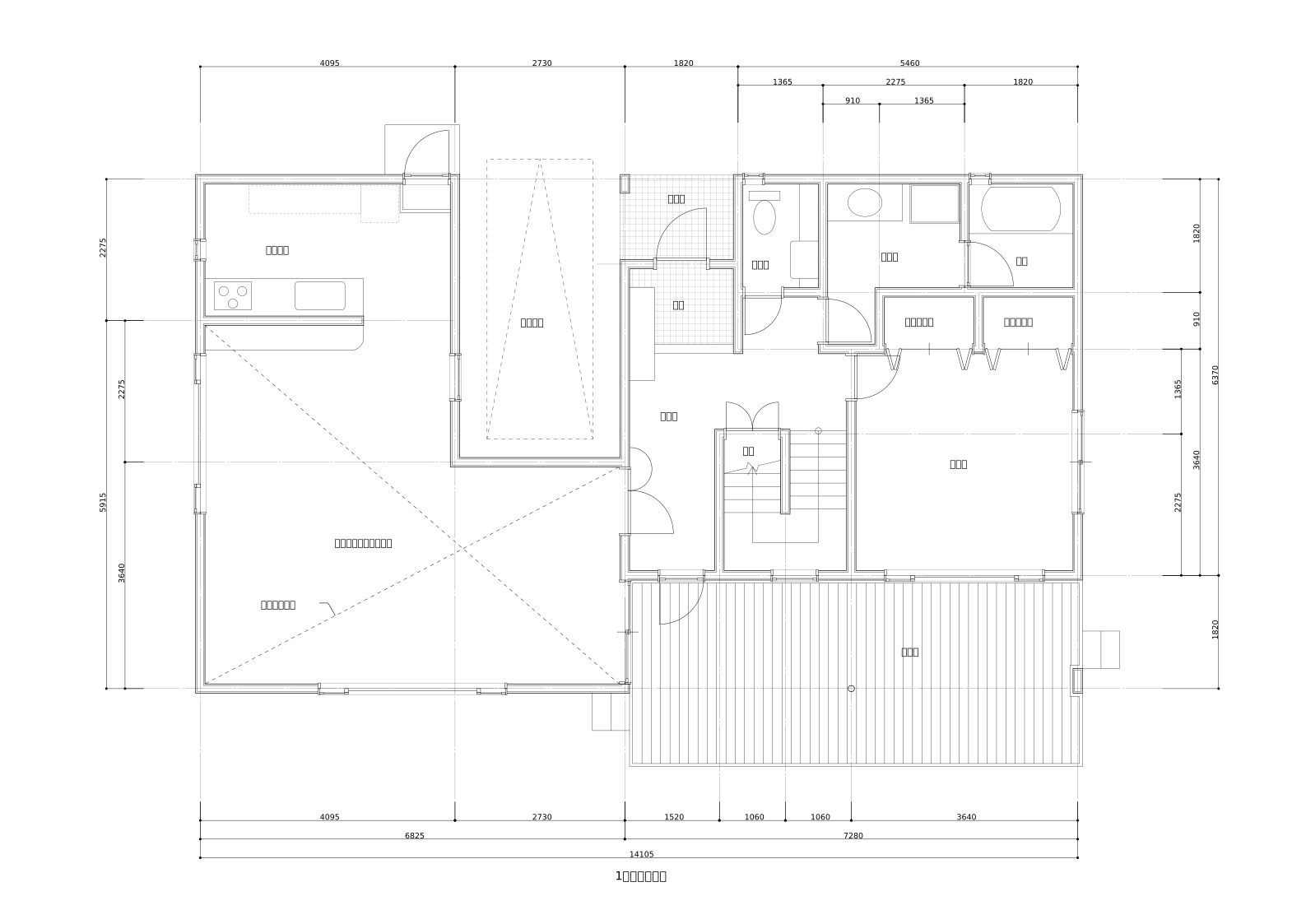
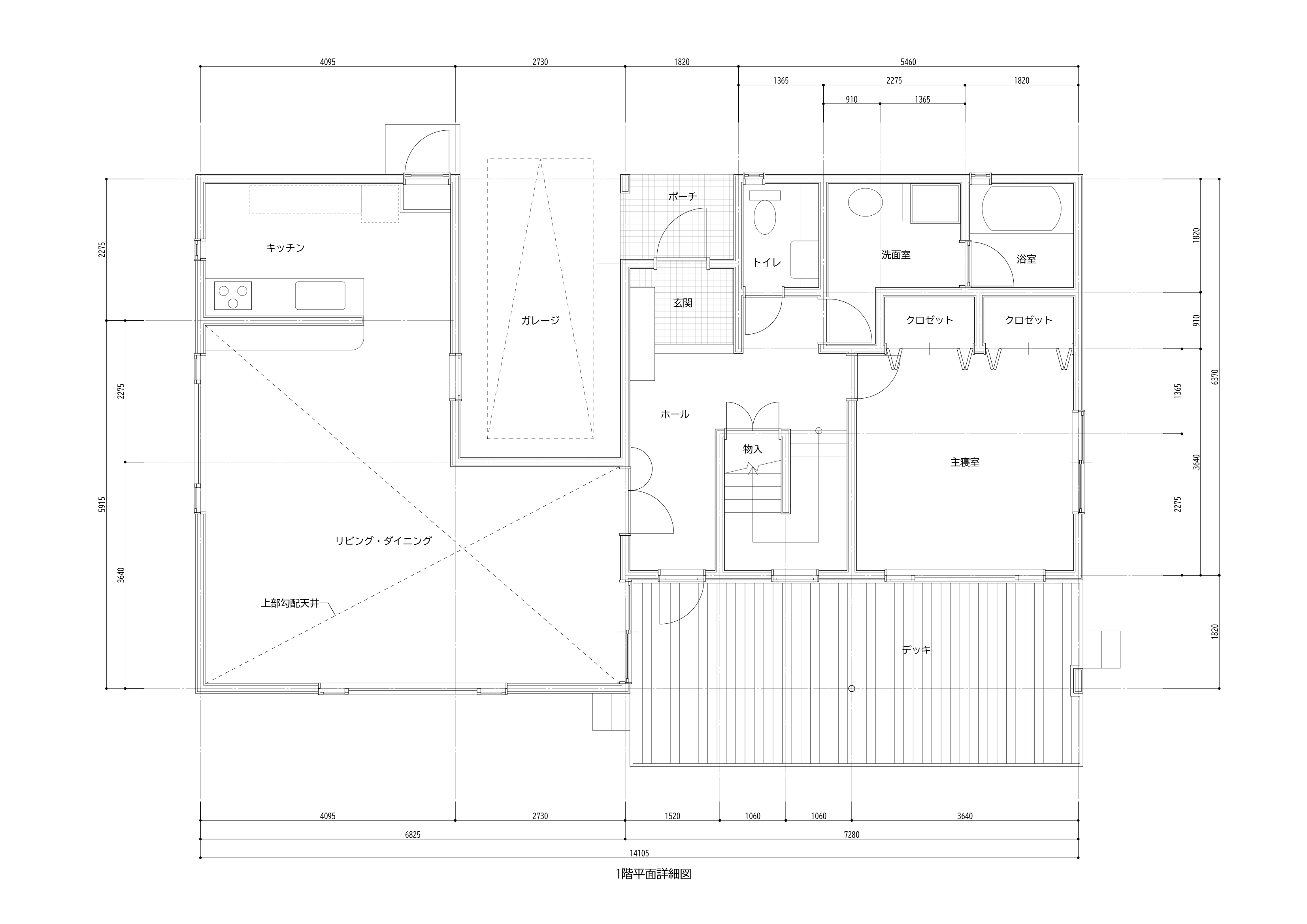
High-Precision Drawing Output
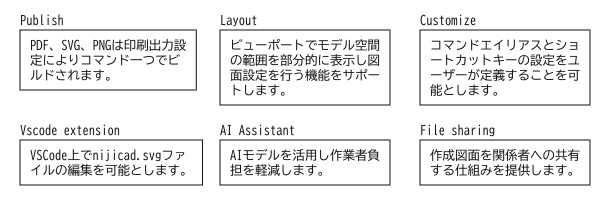
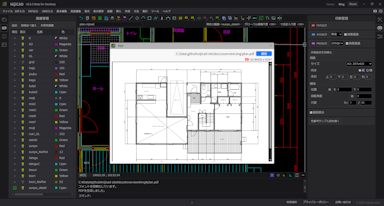
NijiCAD excels in high-quality print and file output, meeting the requirements for professional drafting. It supports various output formats such as PDF, DXF, SVG, and PNG, providing clear and accurate drawings. In particular, SVG output provides high-resolution vector images, and PNG output provides high-quality raster images, allowing you to choose the best format for your needs.
| Samples | |
|---|---|
| Preview | 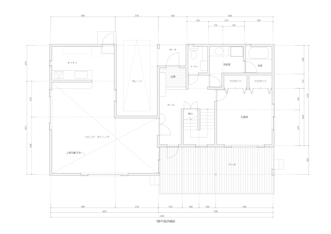 |
| nijicad file | sample-plan.nijicad |
| pdf file | sample-plan.pdf |
| svg file | sample-plan.svg |
| png file | sample-plan.png |
2. ✏️ Application Fields
NijiCAD is a highly versatile 2D CAD not tied to any specific field. Its simple and flexible design concept allows it to meet the drafting needs of various industries such as architecture, civil engineering, machinery, and electricity.
Because it is not specialized, its applications are limitless. It can be used beyond industry boundaries for all types of drawing creation.
3. 🧭 Positioning
Many CAD software programs widely used in recent years are multi-functional and high-performance. On the other hand, there are many simple apps specialized for specific purposes. So, why NijiCAD?
It lies in the low learning cost and wide range of applications. Combining simple, intuitive operability with the flexibility to meet diverse needs, it can be used by everyone from beginners to advanced users.
NijiCAD -> 🔵 Easy to handle with wide application range
4. 📐 Supported Shapes
NijiCAD supports a variety of shapes essential for drafting, such as lines, circles, polylines, and hatching. The operation is simple and intuitive, yet it allows for precise drafting with attention to detail.
5. 🔄 Drawing File Reuse
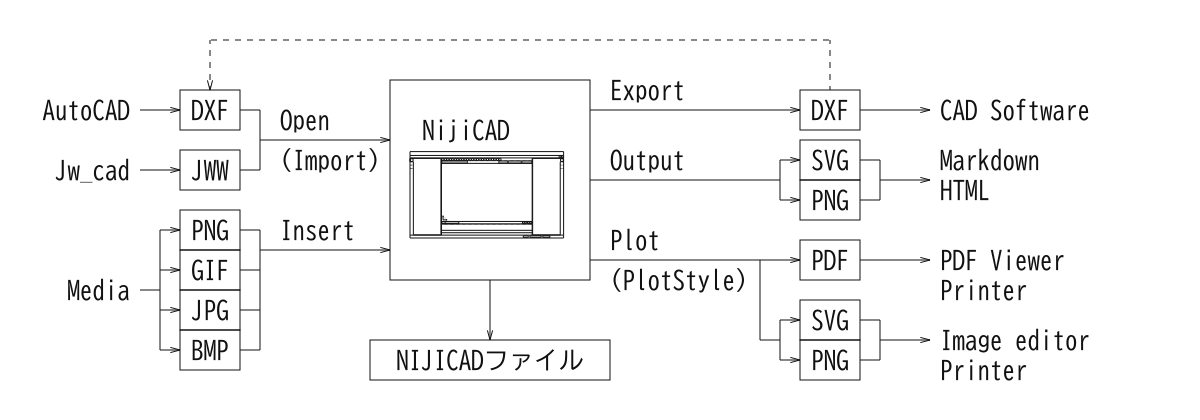
NijiCAD supports file formats such as DXF and JWW, ensuring compatibility with other CAD software. Smooth input and output of drawings allow for use in various environments.
6. 🖥️ Simple User Interface
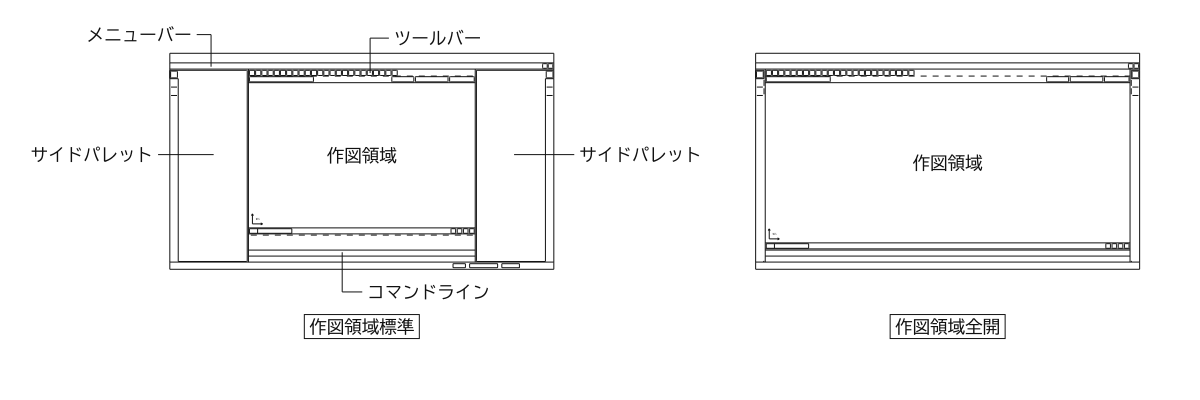
A sophisticated interface provides comfortable and clear operability. By simplifying features down to the essentials, the design allows you to focus on your work without getting lost.
7. 🖨️ Print Styles and Output Formats
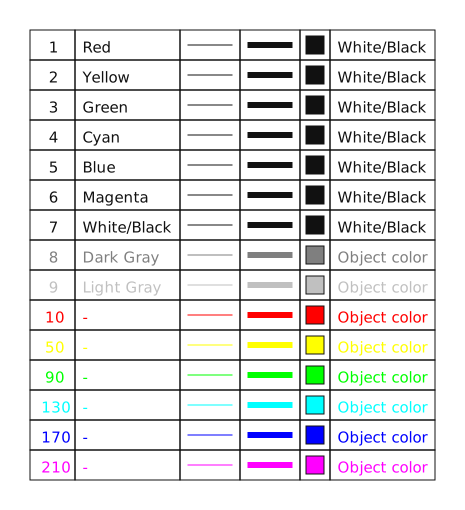
Default print styles are already configured. Preview drawings of print results are pre-prepared.
8. 🎮 Drafting Aids
NijiCAD is equipped with various aid functions to create accurate drawings efficiently. We support your drafting exactly as you imagine without any compromise on detail.
- Object Snap
- Automatically detects endpoints, center points, etc., of shapes for accurate alignment.
- Ortho Mode
- Limits drafting to horizontal and vertical directions to maintain drawing consistency.
- Polar Tracking
- Displays guides in any angular direction for smooth creation of inclined lines.

9. 🚀 Technology Foundation and Performance
🛠 Technology Foundation
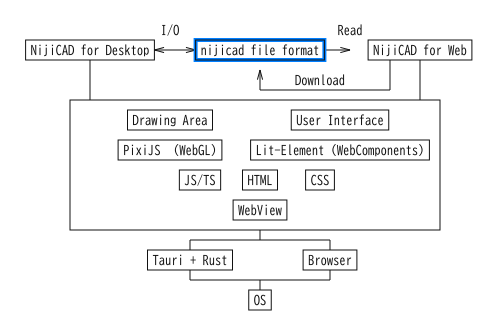
- Desktop Version: Tauri + Rust + HTML/CSS/JS + PixiJS
- Web Version: HTML/CSS/JS + PixiJS
- Data Compatibility: Files can be handled in a common format on local and web (nijicad file)
Performance
High-speed rendering via WebGL and optimized processing allow for comfortable operation even with large drawings. A standard PC is sufficient for the hardware requirements. It can also be used on laptops.
- High-speed rendering via WebGL
- Smooth display with the latest browser technology
- Smoothness at 60 frames per second (60fps)
- Comfortable scrolling, zooming, and editing
- Optimization by original algorithms
- Light processing of tens of thousands of objects
10. 💻 Platform Support
In the Beta version, only desktop web browsers are supported. In the future, it is intended to be used by installing it on Windows and macOS.
🧩 Cross-Platform Support
| Platform | Support Status | Remarks |
|---|---|---|
| Windows | Under development | Installer distribution & planned for Microsoft Store |
| macOS | Planned | - |
| Linux | TBD | - |
| Web Version | ✅ Available | Runs on browsers (https://app.nijicad.com) |
11. 🔮 Future Outlook
We continuously improve features. We plan to improve basic functions based on user feedback.
Items under consideration
- Customization features
- AI assistant
- VS Code extension
We are considering operations tailored to the characteristics of each platform: Desktop version, Web version, and VS Code extension.