CHANGECOLOR
Overview
Changes the color attribute of the selected group of objects.
| Before | After |
|---|---|
 |  |
Prompts
Select Objects
Select the target objects.
Select Reference Object
Select an object to use as a color reference. Press Enter or Space to display the color selection dialog instead.
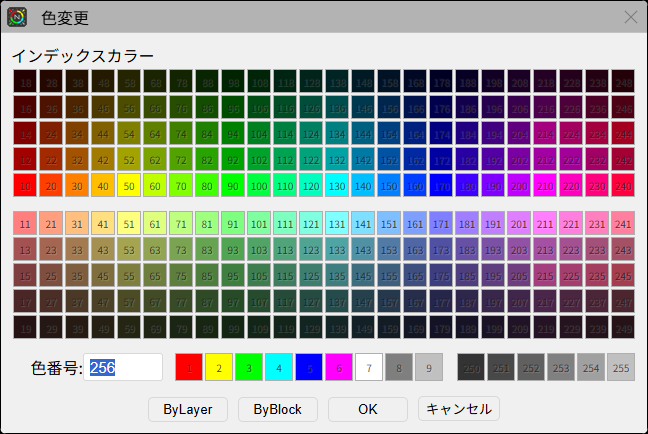
Color Selection Dialog
Select a color from the dialog.
Operation Flow
Update History
| Date | Content |
|---|---|
| 2025/04/16 | New |